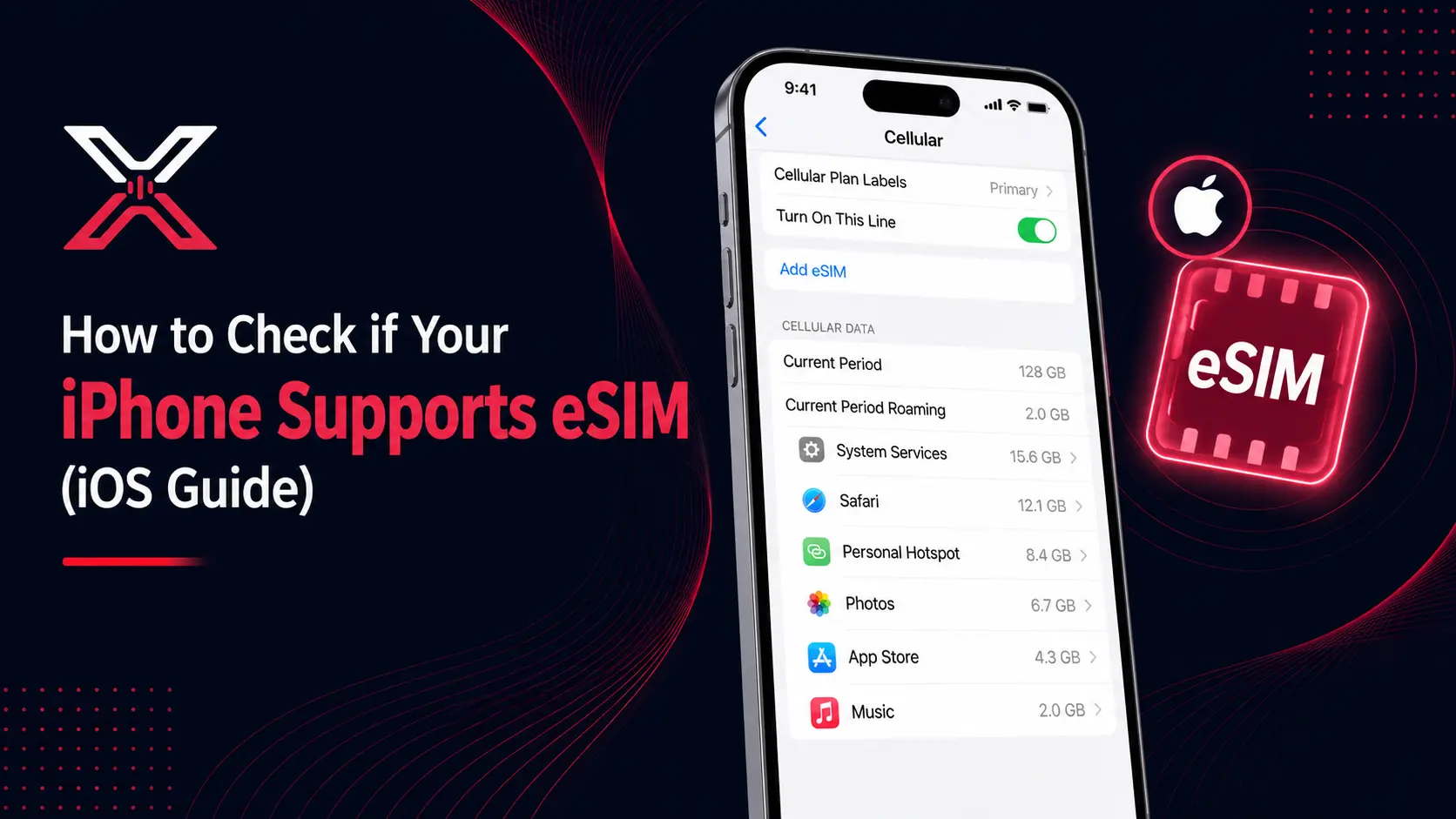
How to Check if Your iPhone Supports eSIM (iOS Guide)
On this page
The travel industry is undergoing a massive digital shift. As we navigate through 2026, the era of hunting for physical SIM cards at airport kiosks is officially ending. Travelers globally are prioritizing flexibility, instant connectivity, and cost-efficiency. If you are planning to use XenGo for your next international trip, the first critical step is confirming your device's readiness. In this comprehensive guide, we will show you exactly how to check eSIM compatibility on your iPhone, ensuring you are ready for seamless, borderless connectivity.
The 30-Second Compatibility Test
Before searching through long technical lists, you can perform a quick "Self-Test" directly in your iPhone settings. This is the most reliable method to confirm if your hardware is eSIM-enabled.
Method: For iPhone Users (iOS)
Apple has made it incredibly easy to check for digital SIM support.
- Open Settings.
- Tap on Cellular (or Mobile Data in some regions like the UK or India).
- Look for an option explicitly labeled "Add eSIM" or "Add Data Plan."
Result: If you see this button, your iPhone is 100% eSIM compatible.
Pro Tip: Open your phone's dialer and type *#06#. If an EID (Embedded Identity Document) number appears on the screen alongside your IMEI, your device supports eSIM technology.
The 2026 Master List: eSIM Compatible Apple Devices
While new smartphones are released frequently, the following Apple devices are widely verified to work perfectly with the XenGo platform. Apple continues to lead the market in eSIM adoption. All modern iPhones are "Dual-SIM" capable (Physical + eSIM), with some regions moving to eSIM-only.
- iPhone 17 Series: All models (Standard, Air, Pro, Pro Max).
- iPhone 16 Series: All models.
- iPhone 15, 14, 13, 12, & 11 Series: All models.
- iPhone SE: 2nd Gen (2020), 3rd Gen (2022), and 4th Gen.
- iPhone XS, XS Max, & XR.
Why XenGo Makes Activation Easier
Standard eSIM providers often require you to scan a QR code sent via email. This creates a friction point: if you do not have a second screen (like a laptop or iPad) to display the code, you cannot scan it with your phone.
XenGo has solved this with Direct In-App Activation. When you purchase a data plan on the XenGo app, our smart technology detects your phone's compatibility. Instead of a QR code, you get a simple "Install" button. One tap redirects you straight to your iPhone's system settings to activate the plan.
- No scanning required.
- No manual code entry.
- Zero hassle.
3 Critical Checks Before You Fly
Even if your iPhone is on the compatible list, you must verify these three factors to avoid connectivity issues abroad:
- Carrier Unlock Status: Your iPhone must be "Factory Unlocked." If you purchased your device on a contract from a carrier (like AT&T, Verizon, or Vodafone) and are still paying it off, it might be "Locked" to their network. A locked phone cannot accept an international eSIM. (You can check this by going to Settings > General > About > Carrier Lock).
- Regional Hardware Variations: iPhones manufactured for mainland China (and some models from Hong Kong/Macau) feature two physical SIM slots instead of an eSIM chip. These specific hardware versions are not compatible. (Note: US models from iPhone 14 onwards are eSIM only).
- Software Updates: Ensure your iPhone is running the latest version of iOS. Keeping your software updated ensures the best compatibility with international networks.
Final Thoughts: The Future is Embedded
Understanding how to check if your iPhone supports eSIM is the first step toward a smarter, more efficient way to travel. By transitioning to a digital SIM, you are choosing enhanced security, convenience, and significantly lower roaming costs.
Ready to upgrade your travel experience? Download the XenGo App and Activate Your Global Data in Seconds!
FAQ Section
Q: Can I use my physical SIM and XenGo eSIM at the same time?
A: Yes. All compatible iPhones (like the iPhone 17, 16, etc.) allow you to keep your physical SIM active for calls and SMS while using the XenGo eSIM for mobile data.
Q: Does using an eSIM drain more battery?
A: No. eSIM technology is highly efficient and uses the same amount of power as a traditional physical SIM card on iOS.